Tiled Editor
ScrewBox supports importing maps and tilesets from Tiled Editor. Tiled Editor has a large community and is quite well known and already used in more professional projects. Learn more on the official site of the project or have a look at this tutorial series on youtube.
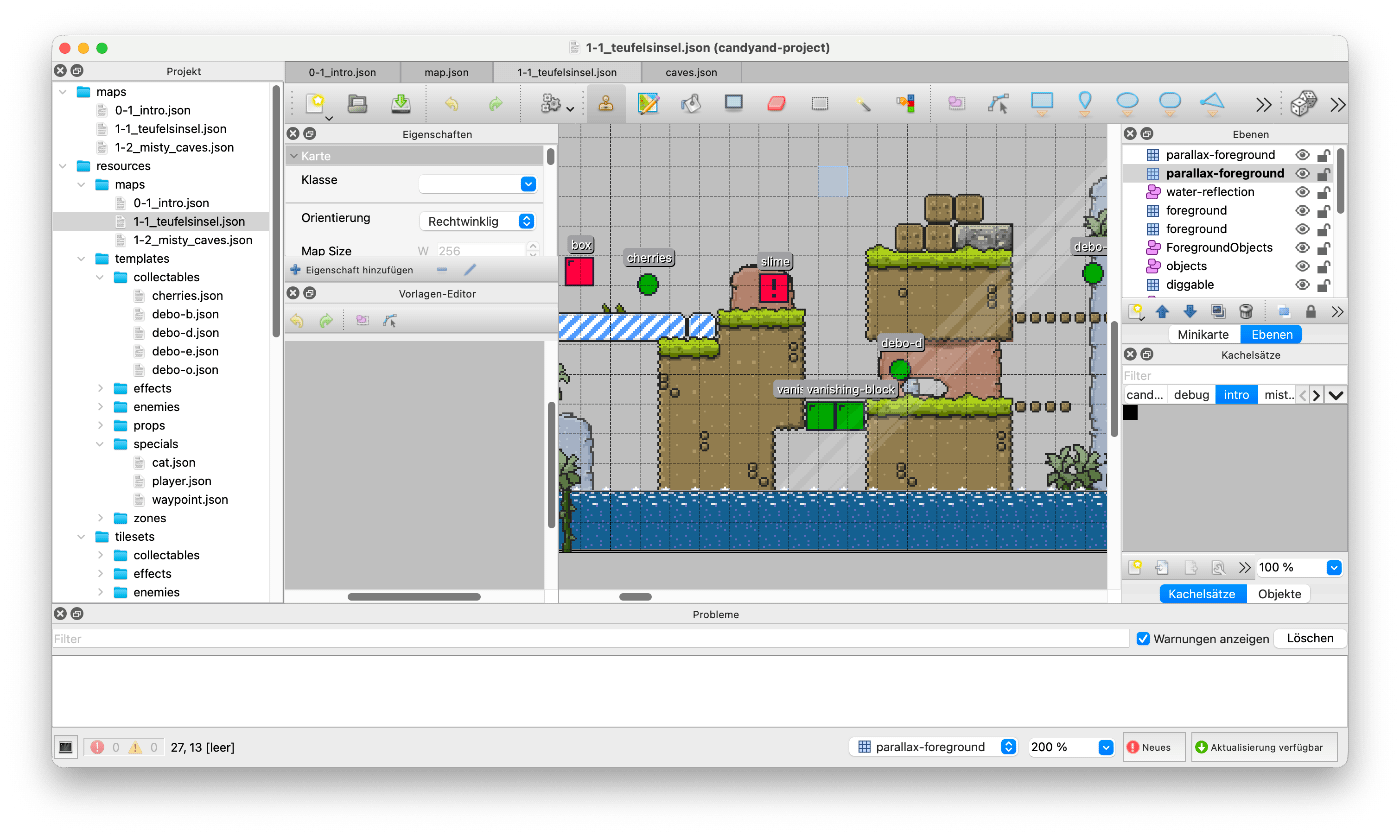
Project setup
To use this functionality please add the screwbox-tiled dependency to your project:
<dependency>
    <groupId>dev.screwbox</groupId>
    <artifactId>screwbox-tiled</artifactId>
    <version><!-- same as screwbox-core --></version>
</dependency>
After adding the dependency content from Tiled Editor can be imported.
Importing maps
Importing the map file is quite simple.
The fromJson-method will import the map from the resource folder of the game (src/main/resources).
Currently the supported formats are quite limited.
ScrewBox only supports orthogonal maps in json file format.
If you are in need of any other map format please let me know.
See this example code for better understanding:
Map map = Map.fromJson(mapName);

var tiles = map.tiles(); // returns all game tiles
var layers = map.layers(); // returns all layers
var order = layers.getFirst().order(); // returns the (draw) order of the layer
Of cause you can also make use of the import API using entity blueprints when adding entities to the environment.
screwBox.environment()
    .importSource(ImportOptions.indexedSources(map.objects(), GameObject::name)
        .assign("deathpit", new DeathPit())
        .assign("player", new Player())
        .assign("spawnpoint", new SpawnPoint())
        .assign("light", new Light())
        .assign("wall", new Wall())
    );
These two example projects also make use of the Tiled editor support and the import API:
Importing tilesets
Importing tilesets works quite similar.
The tilesets can be loaded directly from the resource folder.
It's recommended to address tiles within the tileset by the type attribute.
To fetch a tile by this attribute query the tileset by name.
Tileset player = Tileset.fromJson("tilesets/player.json")
Sprite standing = player.findByName("standing");

Sprite explosion = Tileset.spriteFromJson("bomb.json", "explosion");
Tilesets also support lazy loading using Assets to improve start up times.